Three state-of-the-art AI models. CUDA-accelerated super-resolution. One-time purchase, no subscriptions, no cloud uploads. Your images stay on your machine — always.
Make sure your setup meets these requirements and limitations.
See Neural Upscaler X4 running live inside Blender. No cloud. No waiting. Just results.
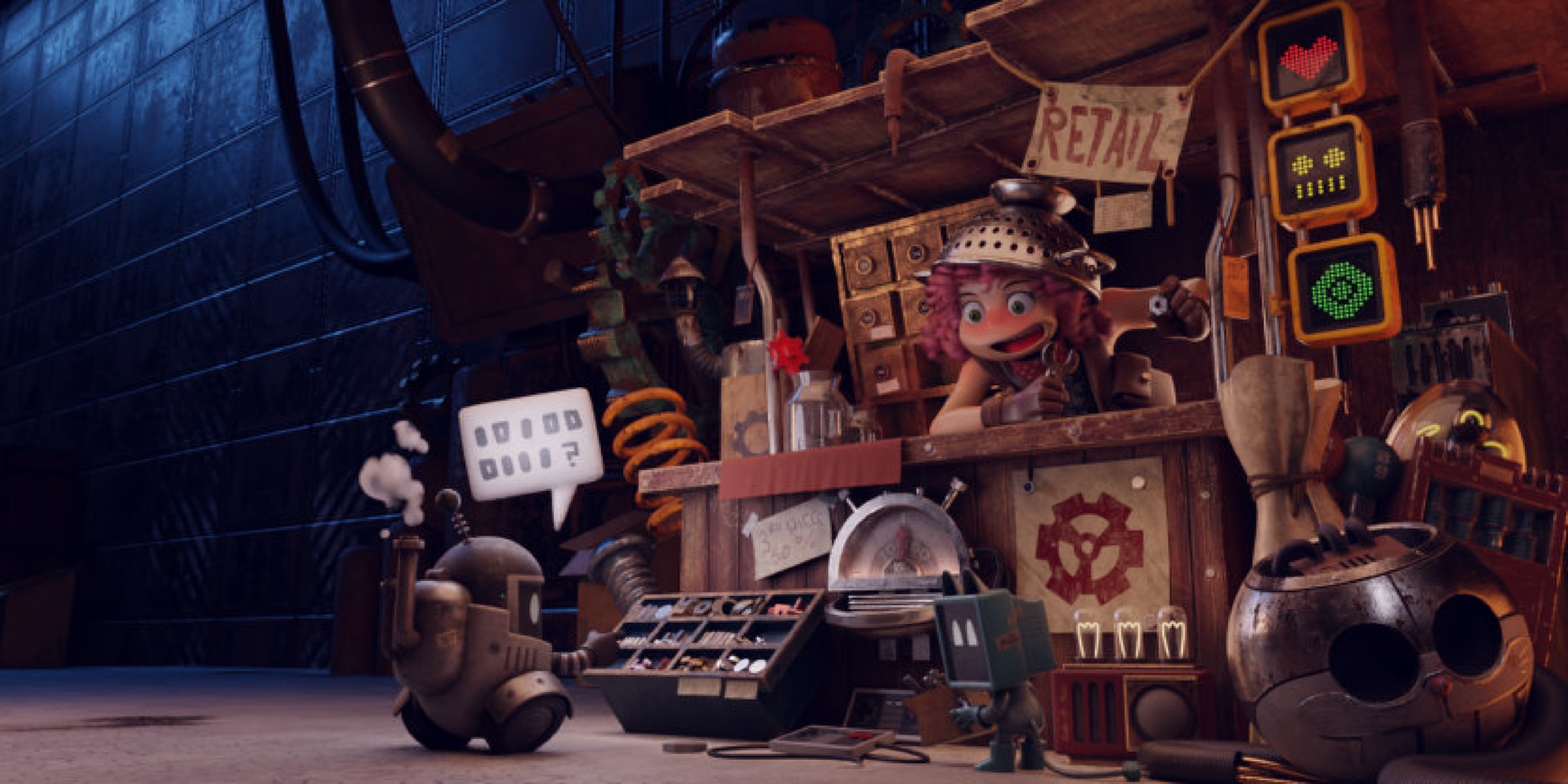
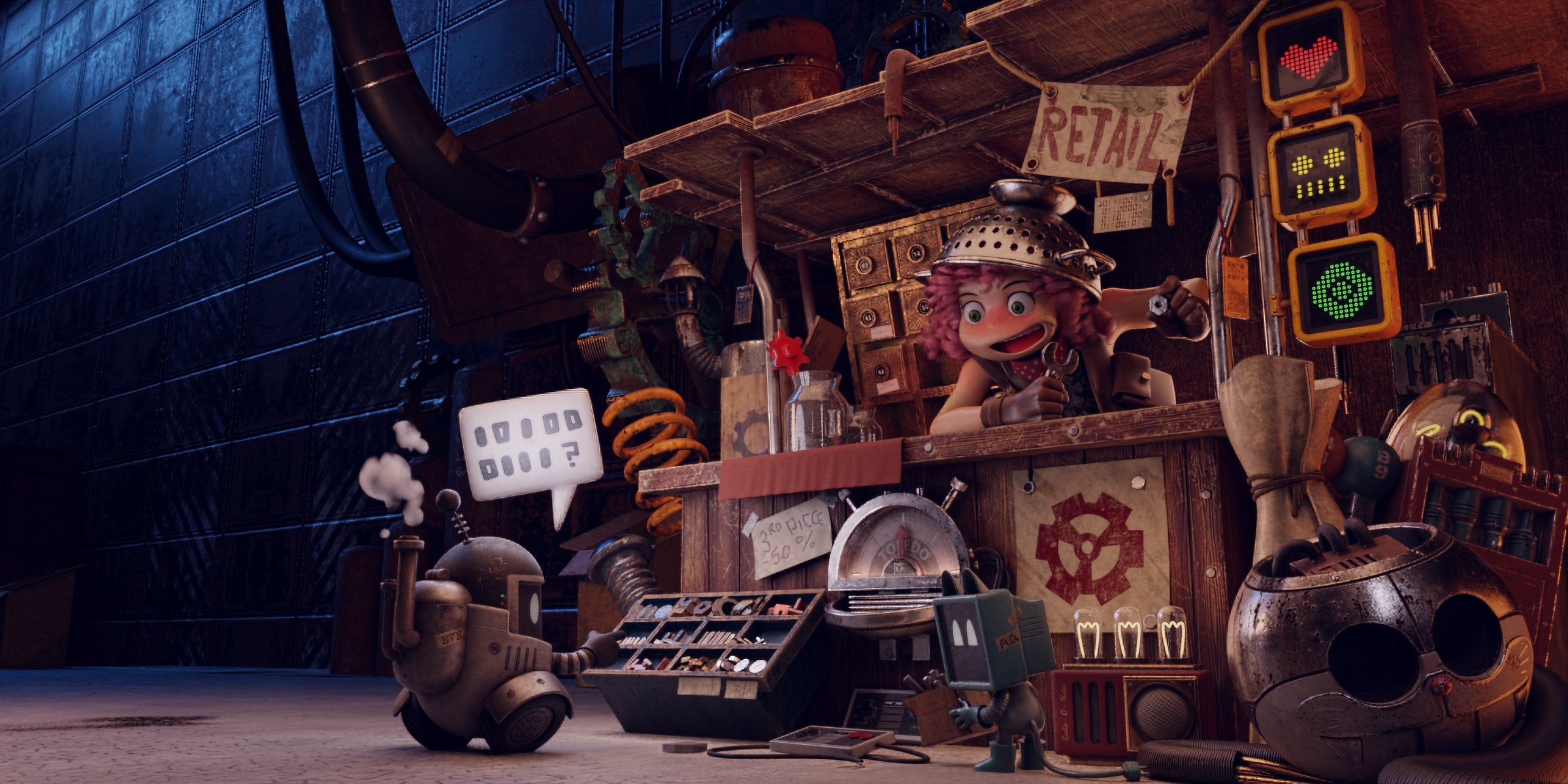
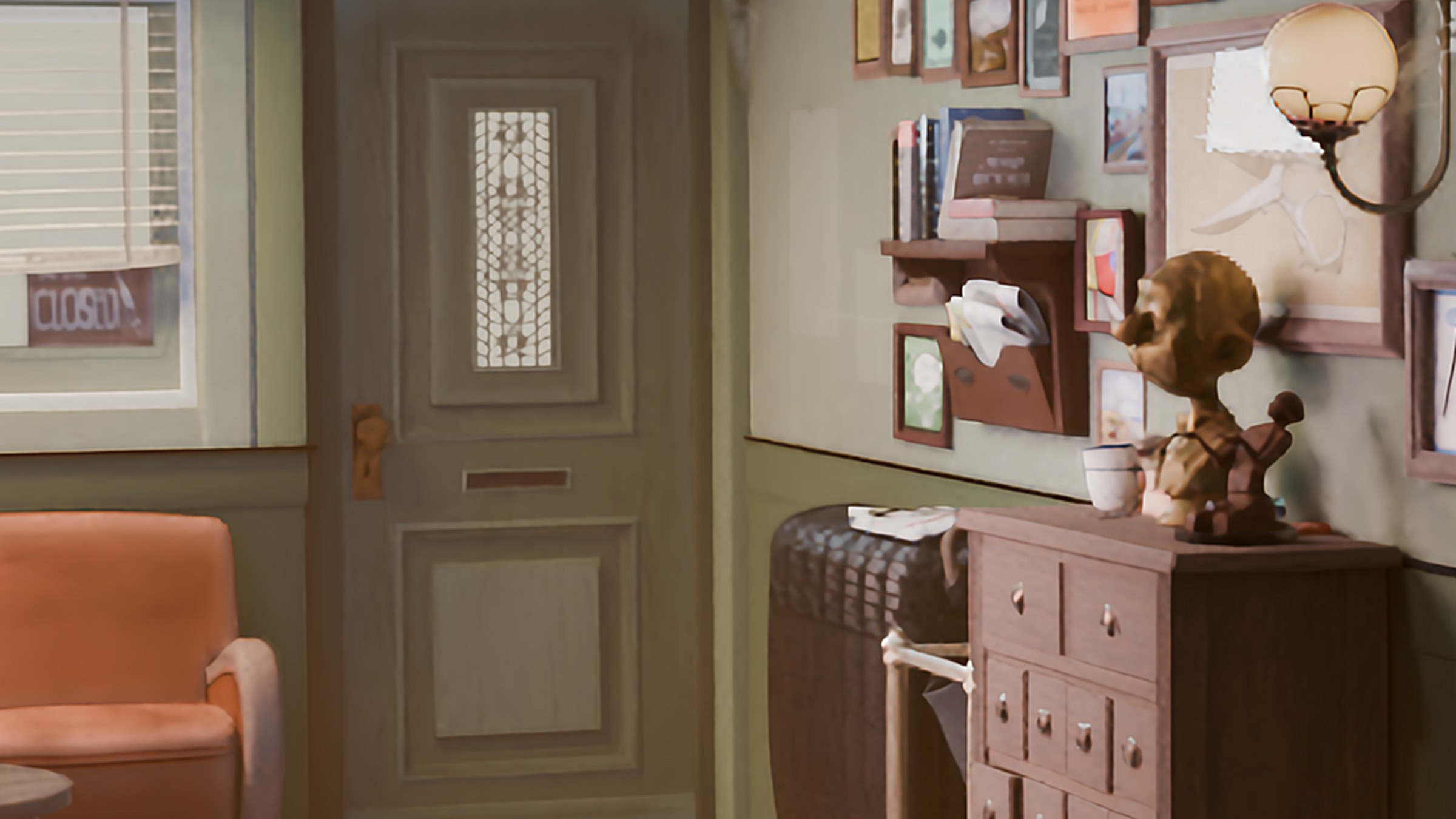
Real results from Neural Upscaler X4. Drag the slider to reveal the original vs the 4× upscaled version.
Before
After 4×
720p upscaled to 4K
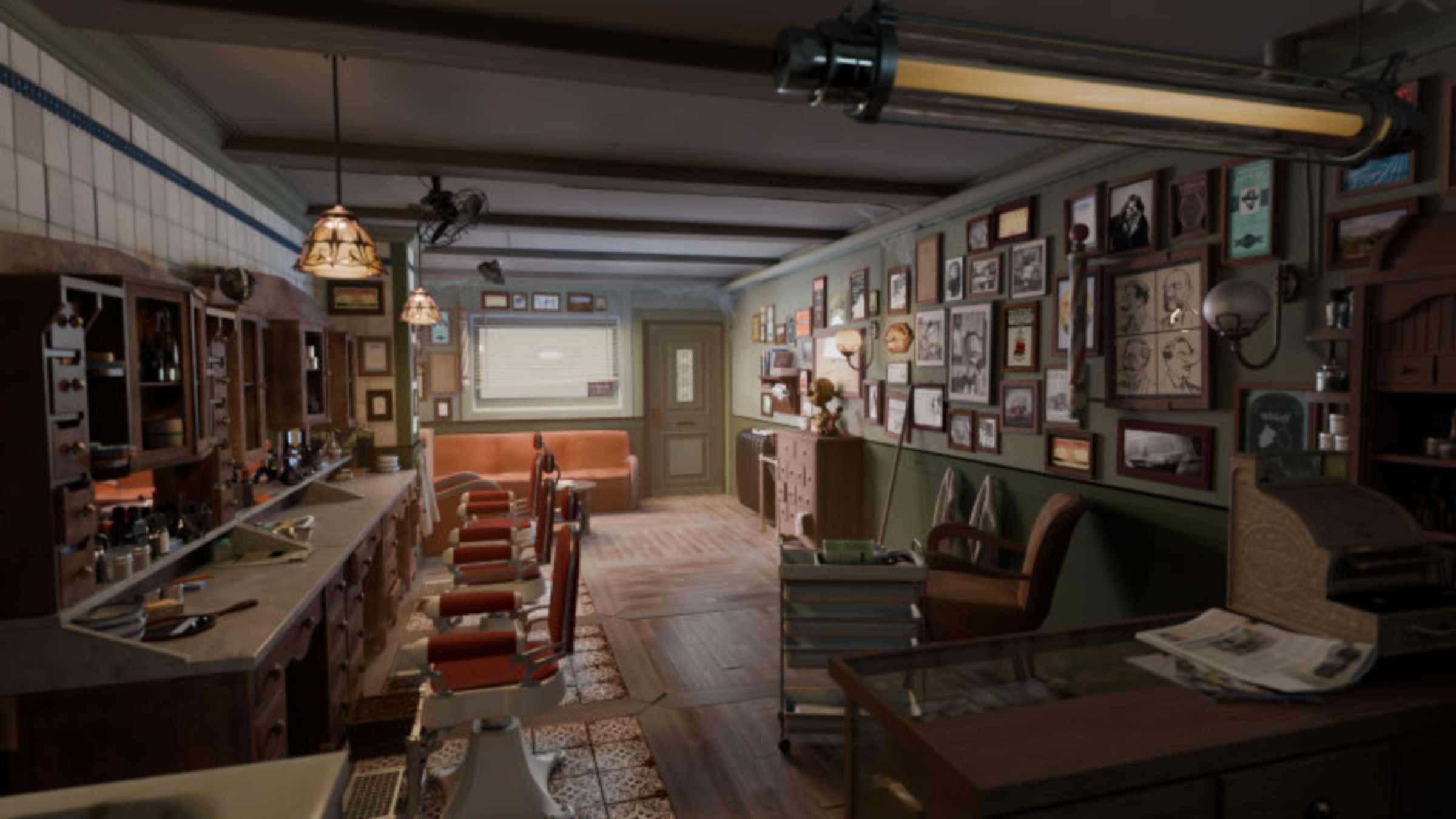
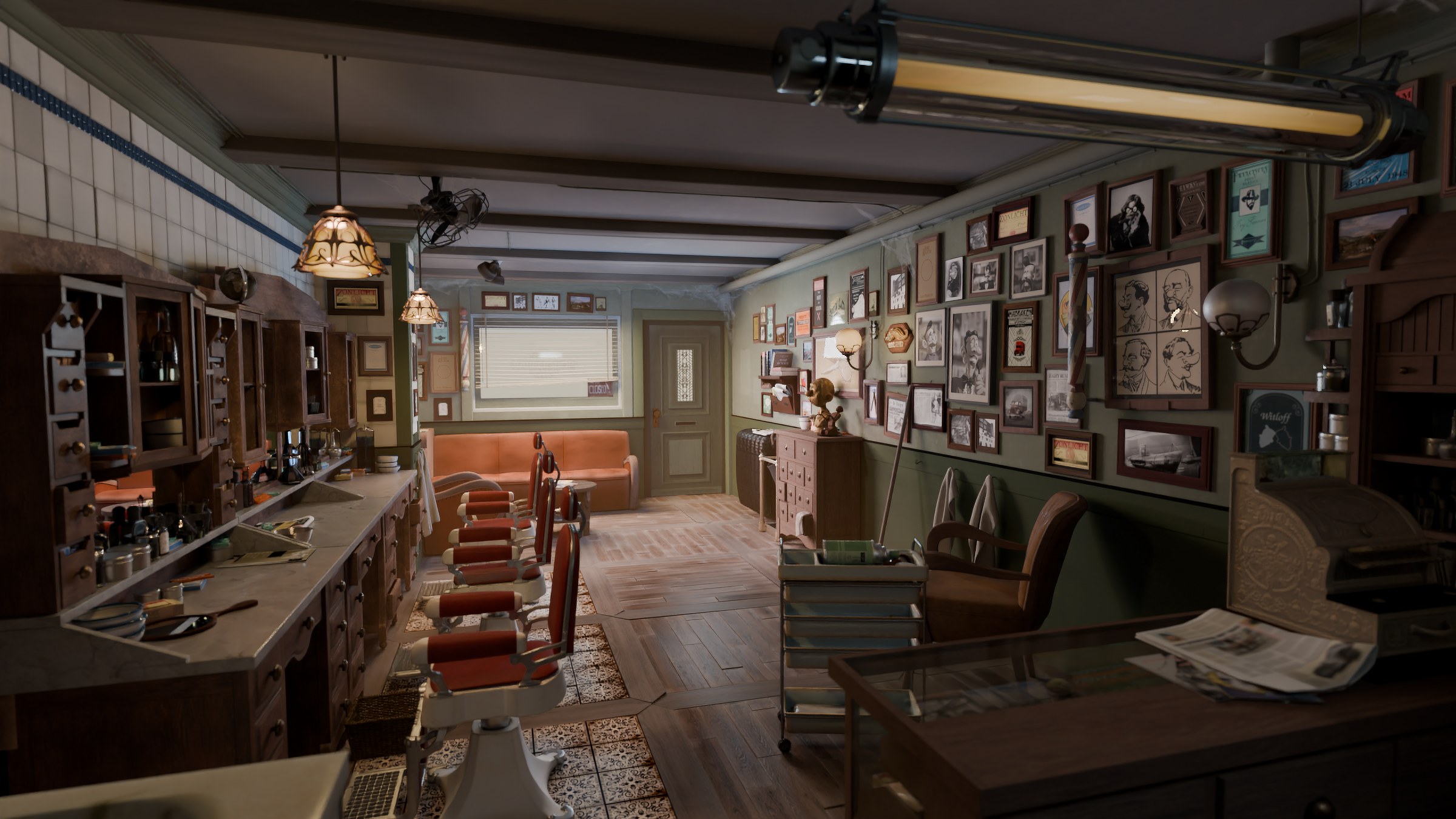
Before
After 4×
720p upscaled to 5K
The exact same samples, zoomed 5× into the center. Drag to reveal the fine detail AI restores that simple scaling can't.
Before · 5×
After · 5×
Pixel-level comparison of the center crop
Before · 5×
After · 5×
Pixel-level comparison of the center crop
Built from the ground up for Blender artists who demand quality, speed, and privacy.
PyTorch 2.7 + CUDA 12.8. Optimized for RTX 40 and RTX 50 series cards.
Your images never leave your machine. No cloud uploads, no data collection.
Keep working in Blender while the AI upscales your images in the background.
Drop a folder of images, get 4× upscaled results. Perfect for sequences and iterations.
Choose float32, bfloat16, or float16 to balance quality and VRAM usage.
No subscriptions. No recurring fees. No usage limits. Yours forever.
All three bundled inside. Pick the right tool for the job with a single click.
Fast & balanced
Sharp & detailed
Maximum fidelity
Save VRAM, go faster, keep quality — the built-in precision selector has you covered.
| Input Resolution | Output (4×) | Recommended Precision |
|---|---|---|
| 720p (1280×720) | ~5K (5120×2880) | float32 — max quality |
| 1080p (1920×1080) | ~8K (7680×4320) | float32 or bfloat16 |
| 2K (2560×1440) | ~10K (10240×5760) | bfloat16 |
| 4K (3840×2160) | ~16K (15360×8640) | bfloat16 (float32 may OOM) |
| 8K (7680×4320) | ~32K (30720×17280) | float16 (workstation GPU) |
Approximate values for the High (HAT) model. Medium uses ~30% less. Ultra is similar to HAT.
| Input Resolution | Output (4×) | VRAM — float32 | VRAM — bfloat16 / float16 |
|---|---|---|---|
| 720p (1280×720) | ~5K (5120×2880) | ~14 GB | ~12 GB |
| 1080p (1920×1080) | ~8K (7680×4320) | ~20 GB | ~16 GB |
| 2K (2560×1440) | ~10K (10240×5760) | ~28 GB* | ~22 GB |
| 4K (3840×2160) | ~16K (15360×8640) | ~48 GB* | ~36 GB* |
| 8K (7680×4320) | ~32K (30720×17280) | Not feasible | ~80+ GB* |
* Requires workstation-class GPU.
| Your GPU VRAM | Max Comfortable Input (bfloat16) |
|---|---|
| 12 GB | Up to 720p (1280×720) — minimum to load the model |
| 16 GB | Up to 1080p (1920×1080) comfortably |
| 24 GB | Up to 2K (2560×1440) |
| 48 GB | Up to 4K (3840×2160) |
| 80 GB+ | 8K possible (workstation GPU) |
Render at lower resolution and upscale for final delivery — cut render times without sacrificing quality.
Restore and enhance low-resolution references with studio-quality detail recovery.
Product shots, architectural renders, print-ready output with razor-sharp detail.
Produce crisp 4K and 8K output from modest render budgets.
| Neural Upscaler X4 | Online Services | |
|---|---|---|
| One-time purchase | ✓ | ✗ Monthly fee |
| Works offline | ✓ | ✗ Cloud only |
| Your images stay private | ✓ | ✗ Uploaded |
| Unlimited usage | ✓ | ✗ Quota limits |
| Integrated into Blender | ✓ | ✗ External |
| Batch processing | ✓ | Limited |
Stop paying for cloud credits. Stop waiting for uploads. Stop compromising on privacy. Neural Upscaler X4 puts professional AI super-resolution directly in your Blender workflow — where it belongs.